

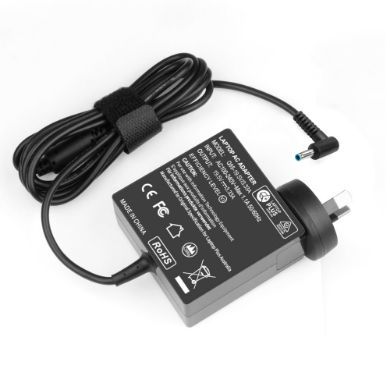


- 1Brand: Asus
- 2Series: VivoTab
- 3Find your Laptop Model
-
If you don't know your laptop's model no, click below Find Model No
3 ways to identify your Asus laptop
A. Manufacturer Sticker
Look underneath your laptop, locate the manufacturer sticker
Sticker has the brand (Asus), Series (VivoTab) and Model No, we only need the Model No (e.g. TF600T)
B. Identify your laptop in Windows
Step-1 Click on Start (Windows logo at the bottom left corner of your screen)
Step-2 Type "system information" and click lick on the system information
Step-3 A small windows will open up showing the brand, Series and Model No, we only need the Model No
C. Click below to find your laptop model using your Asus serial number
Asus Serial Number Look Up
Buy the highest quality replacement Asus VivoTab AC Adapters & Chargers online
Australia's largest range of the highest quality replacement Asus VivoTab Chargers & Adapters. We provide overnight delivery of your charger to all areas of Australia. All Asus Asus VivoTab power supply and AC Adapters come with 12 months comprehensive warranty. For further information please read our Warranty Page. Order your Asus VivoTab Charger / AC Adapter with confidence today.